23I want to plan my color palette
Browse curated palettes, plan colorwork, and simulate yarn pooling
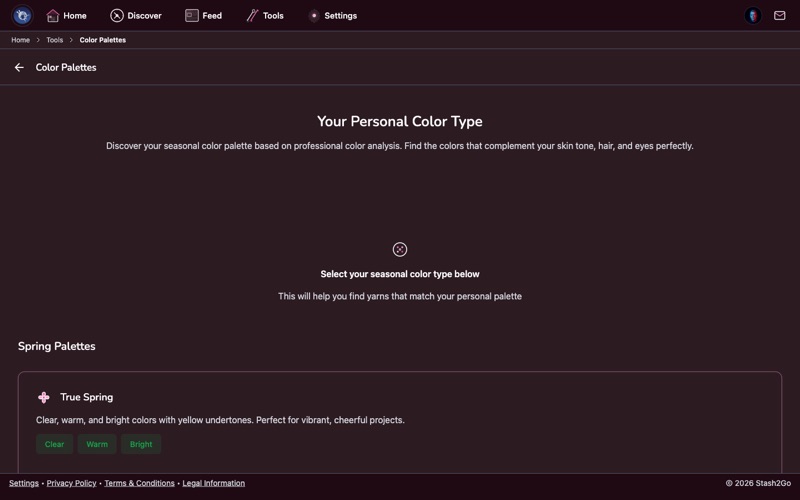
Navigate to Tools → Color Palette. Build custom color palettes to plan your next colorwork, stripes, or gradient project.
Browse 8 curated seasonal and themed palettes - each designed for different moods and projects. Palettes show coordinated color swatches with descriptive names and characteristic tags, helping you choose a cohesive color story for your project.
Tap any palette to see the full set of colors with hex values and descriptions. Select the one that matches your vision and use it as a starting point for yarn shopping.
Each palette displays its colors as a visual swatch grid so you can see how the tones work together. The characteristic tags describe the palette's feel - warm, earthy, vibrant, muted, coastal - helping you match a palette to your project vision.
Navigate to Tools → Yarn Pooling Calculator. For self-striping or variegated yarns, simulate how colors will pool based on your stitch count, technique, and yarn segment lengths.
Configure your knitting parameters (flat vs circular, stitch count, technique) and see multiple simulated results ranked by quality. Find the perfect stitch count for intentional pooling.
Available on iPhone, iPad, Android, and web at app.stash2go.com