6I need a substitute yarn
Search yarns, compare fibers, weights, colorways, and brands
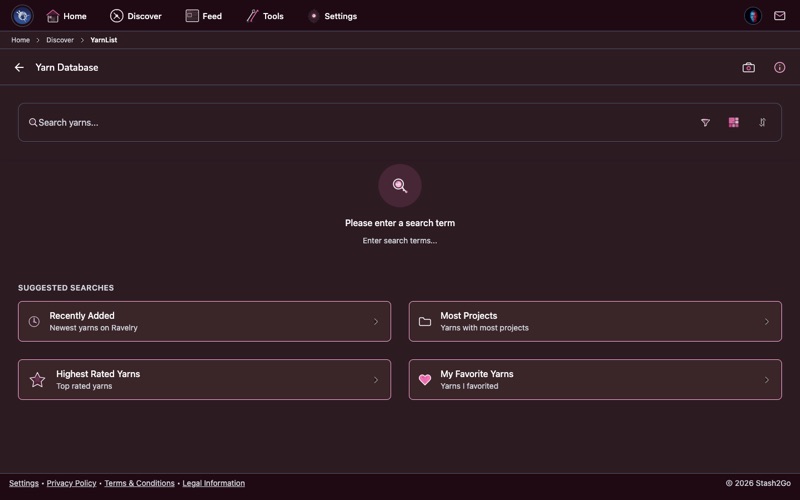
Navigate to the Discover tab and tap "Yarn Database". This gives you access to Ravelry's comprehensive yarn database with thousands of yarns from hundreds of brands.
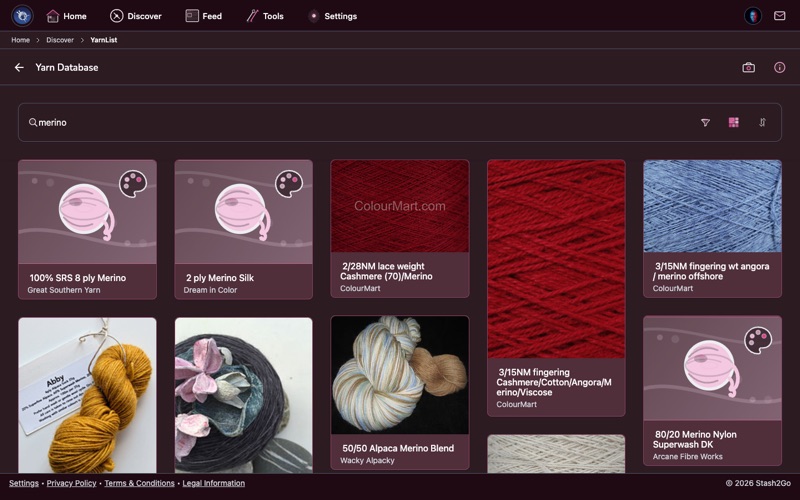
Search by name or use filters to narrow by weight (lace to super bulky), fiber content (wool, cotton, silk, alpaca, and more), color family, and brand.
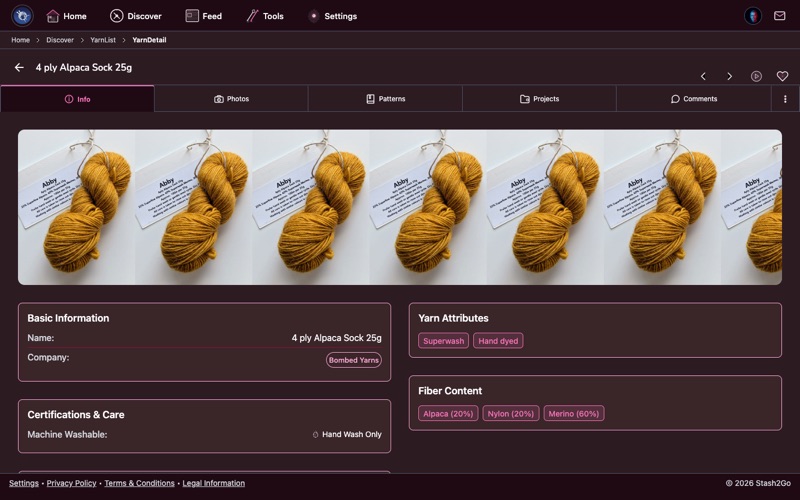
Tap any yarn to see its complete profile: fiber composition, weight, gauge range, yardage per skein, available colorways, and community ratings.
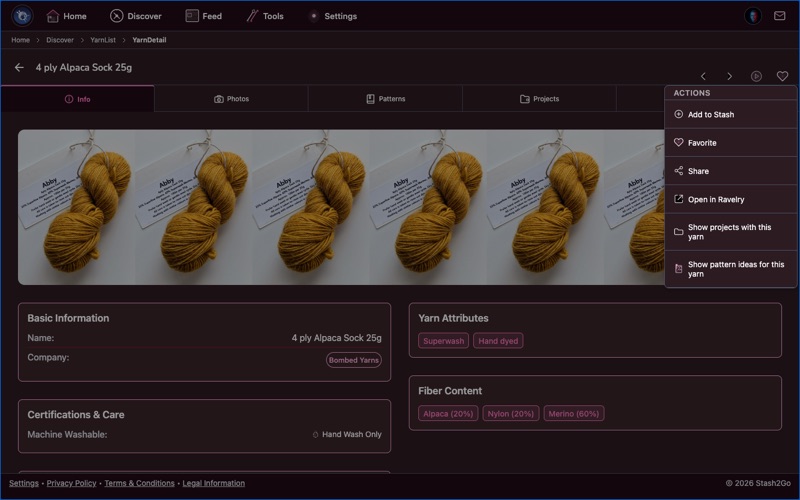
Explore all available colorways for a yarn. See community photos showing how each colorway looks knitted or crocheted up - invaluable for choosing colors online.
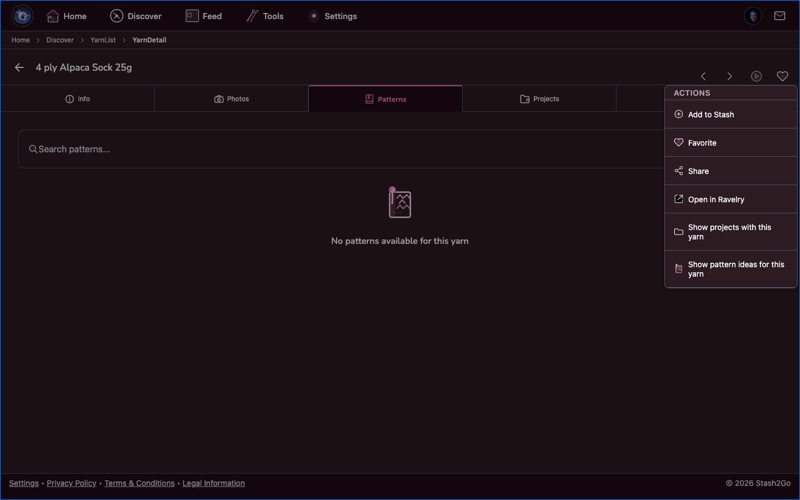
From a yarn detail page, see which patterns were designed for or commonly used with this yarn. A great way to find project inspiration when you've already chosen your yarn.
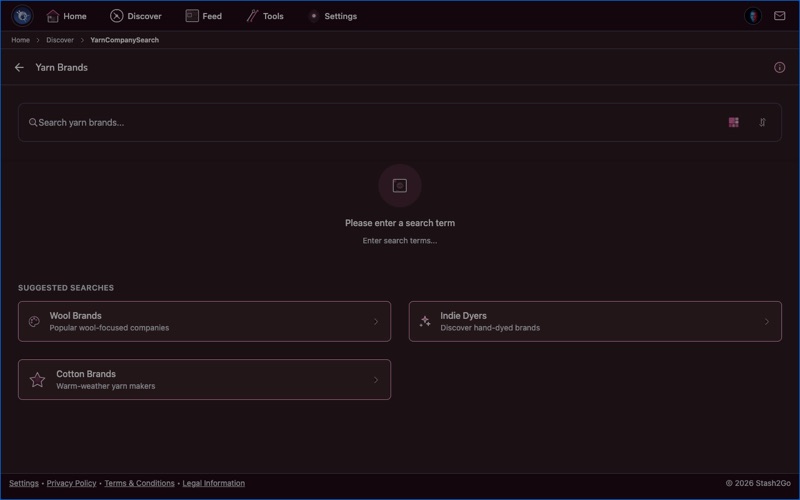
Explore yarn brands and their complete product lines. Find all yarns from your favorite companies, or discover new indie dyers and mills.
Available on iPhone, iPad, Android, and web at app.stash2go.com