18I want to follow designers and friends
Find designers, follow friends, and explore their projects
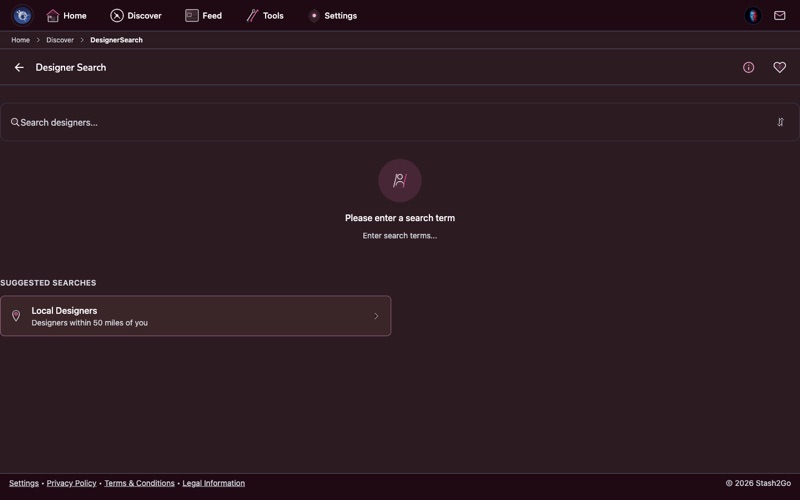
Navigate to Discover → Designer Search. Search by name to find your favorite pattern designers and explore new ones.
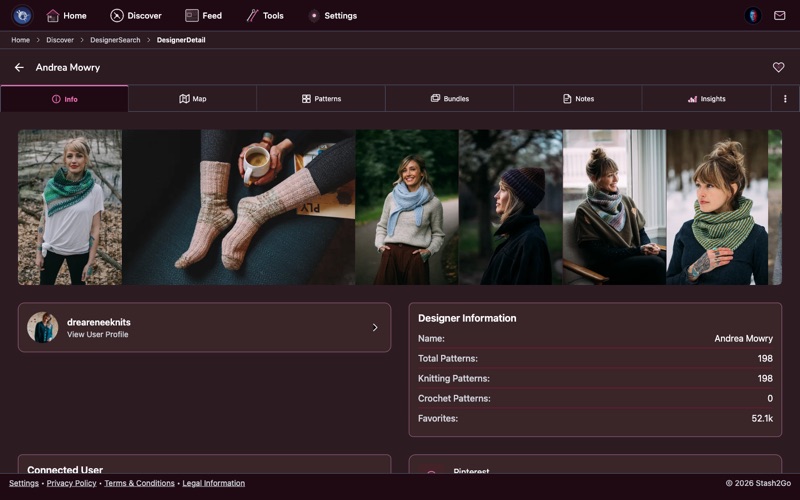
Tap a designer to see their profile, bio, and complete pattern catalog. Browse their designs sorted by popularity or date.
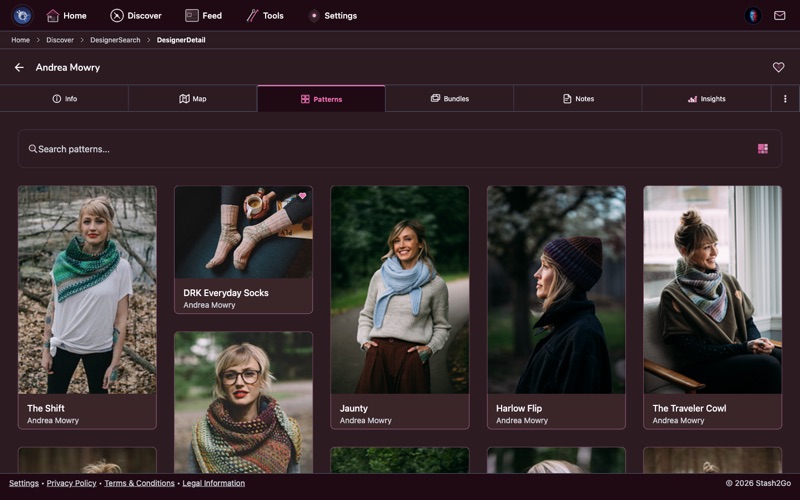
See all patterns from a designer in one place. Filter by craft type, category, or weight to find exactly what you want from their collection.
Use People Search from the Discover tab to find other Ravelry users. Follow friends, fellow knitters from your local group, or crafters whose taste you admire.
See what someone is working on, their finished projects, stash, and favorites. A great way to discover patterns through people with similar taste.
Available on iPhone, iPad, Android, and web at app.stash2go.com