16I want to join craft discussions
Browse Ravelry forums, follow topics, and post replies
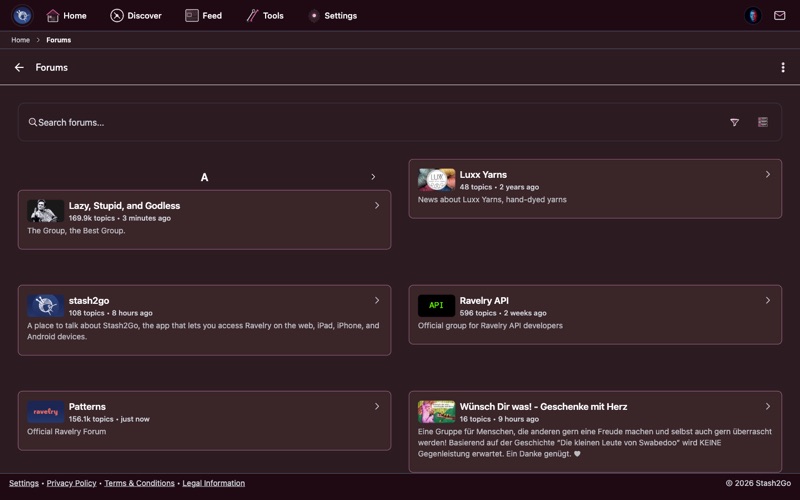
Navigate to Forums from the Home screen. Browse forum categories organized by topic - from help and advice to pattern discussions, yarn reviews, and local groups.
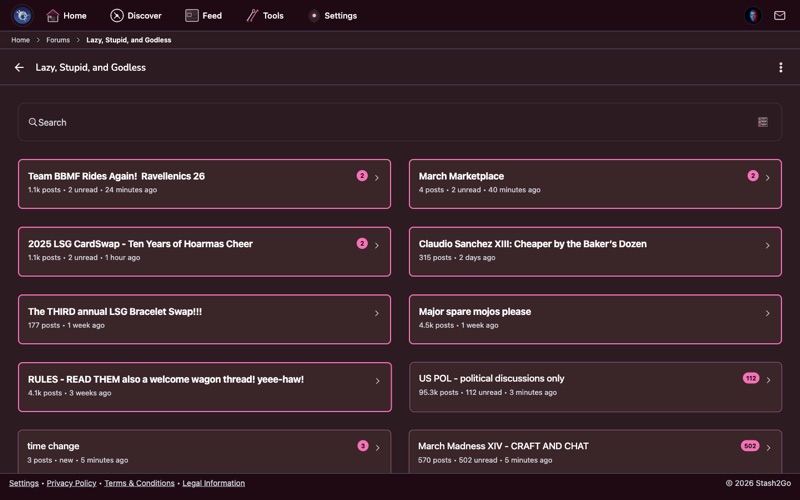
Tap a forum to see its topics. Each topic shows the title, author, reply count, and when it was last active. Use search to find specific discussions.
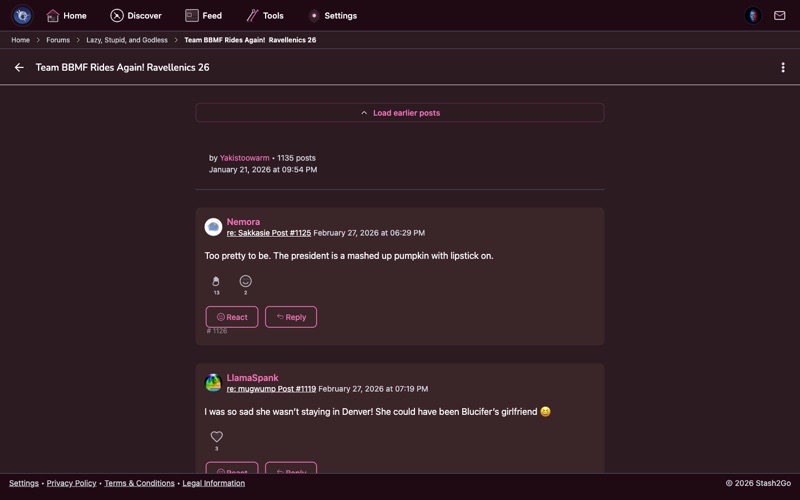
Open a topic to read the full conversation. Scroll through replies, and tap the reply button to add your own thoughts, tips, or questions. The rich text editor supports markdown formatting: bold, italic, strikethrough, links, bullet and numbered lists, quotes, code blocks, headings, spoiler tags, and horizontal rules. An emoji picker is available in the formatting toolbar.
You can also insert references to projects, patterns, yarns, stash entries, people, friends, photos, videos, forums, and topics directly into your post using the toolbar's insert buttons.
Have a question or want to start a discussion? Tap the compose button to create a new topic. Enter a title (up to 200 characters) and write your post using the same rich text editor and reference insertion tools available for replies.
Looking for something specific? Use forum search to find discussions about techniques, yarn recommendations, pattern help, or any topic.
Available on iPhone, iPad, Android, and web at app.stash2go.com