44I want to start without Ravelry
Get started with Google or Apple sign-in, then connect Ravelry later
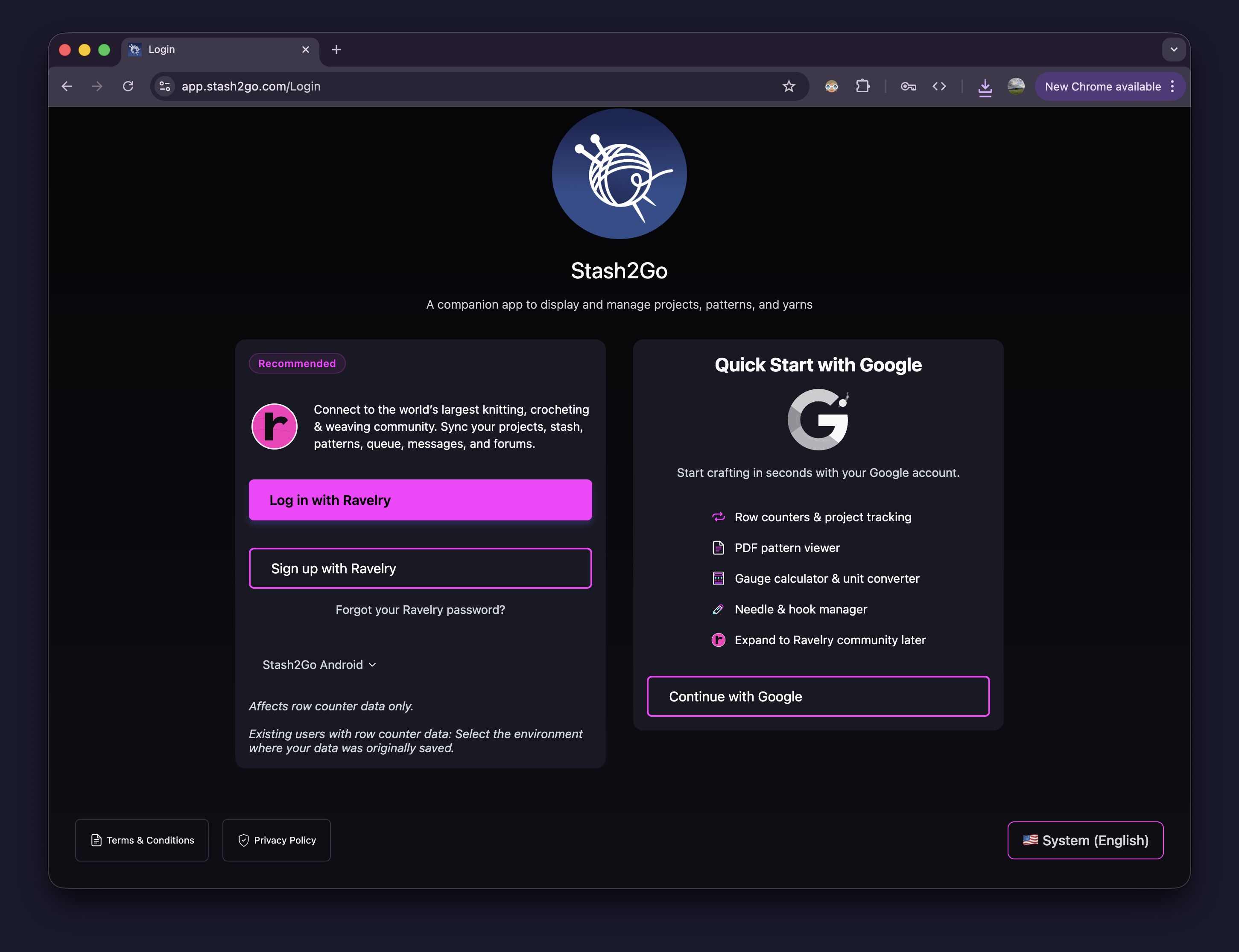
On the login screen, choose Continue with Google on the right side — on iPhone and iPad you can use Sign in with Apple the same way. No Ravelry account needed — start crafting in seconds with row counters, PDF pattern viewer, gauge calculator, needle manager, and more.
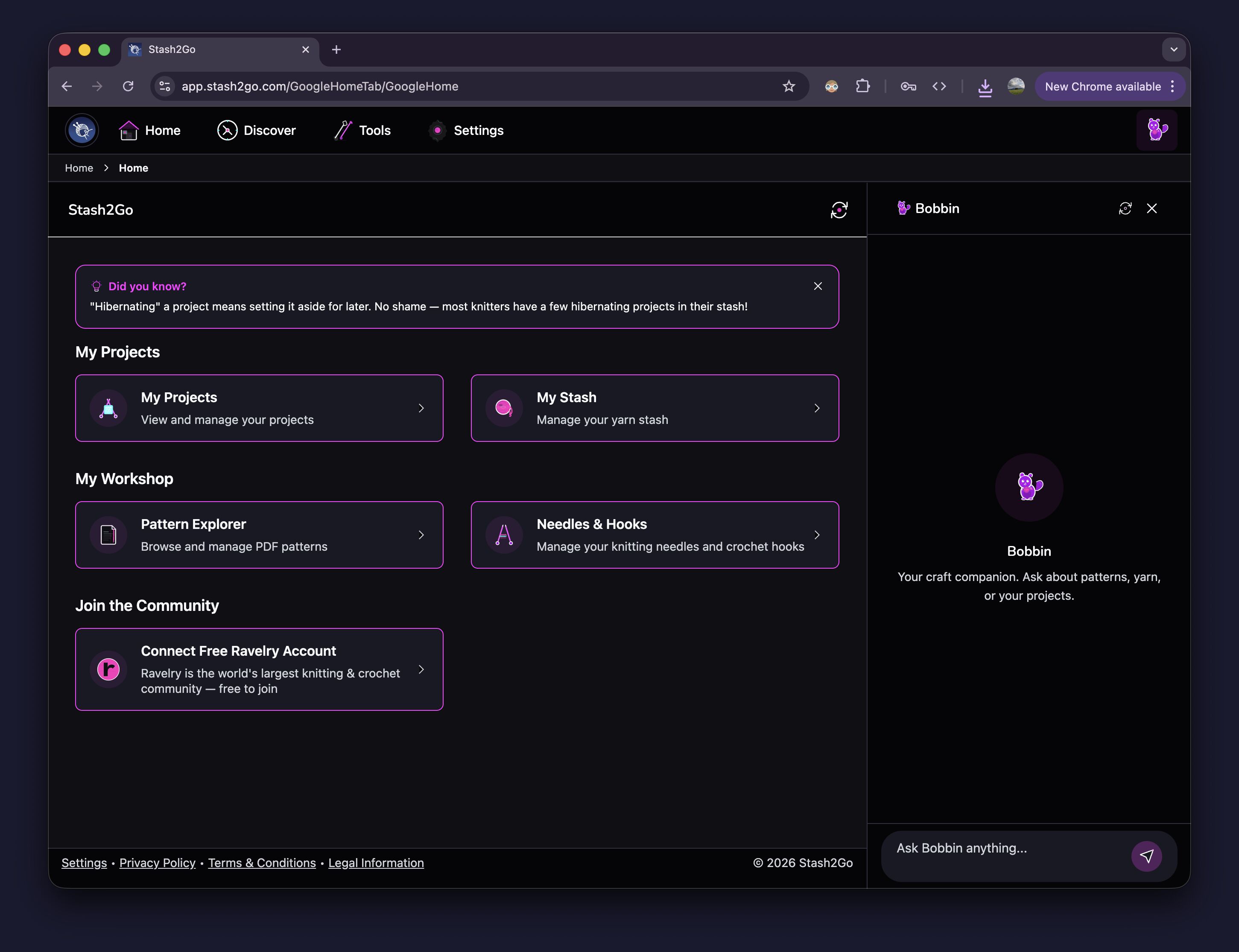
Your home screen gives you quick access to My Projects, My Stash, Pattern Explorer for PDFs, and Needles & Hooks. Bobbin, your craft companion, is always available in the sidebar.
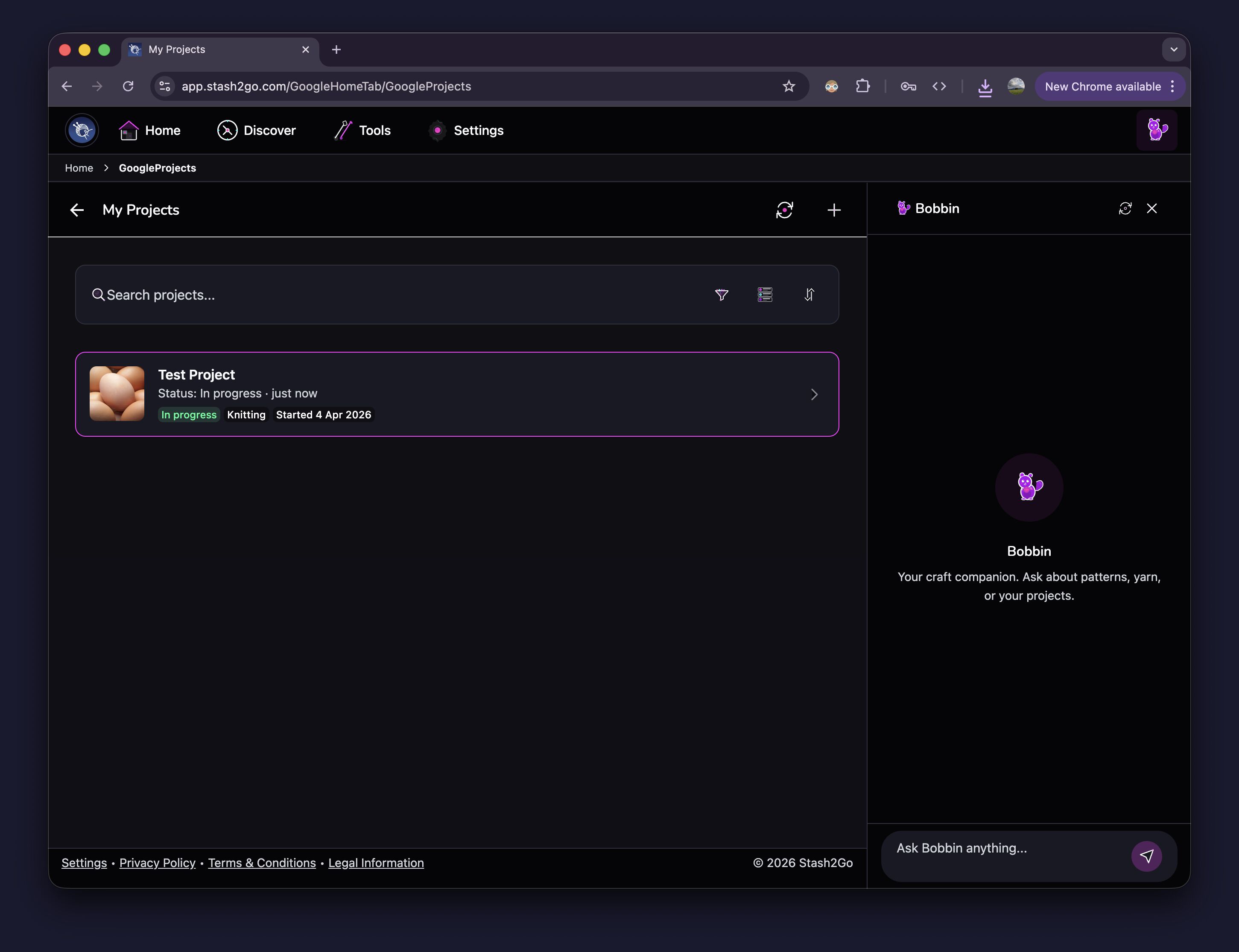
Create and manage your knitting and crochet projects. Each project tracks status, craft type, start date, and progress. Search and filter to find any project quickly.
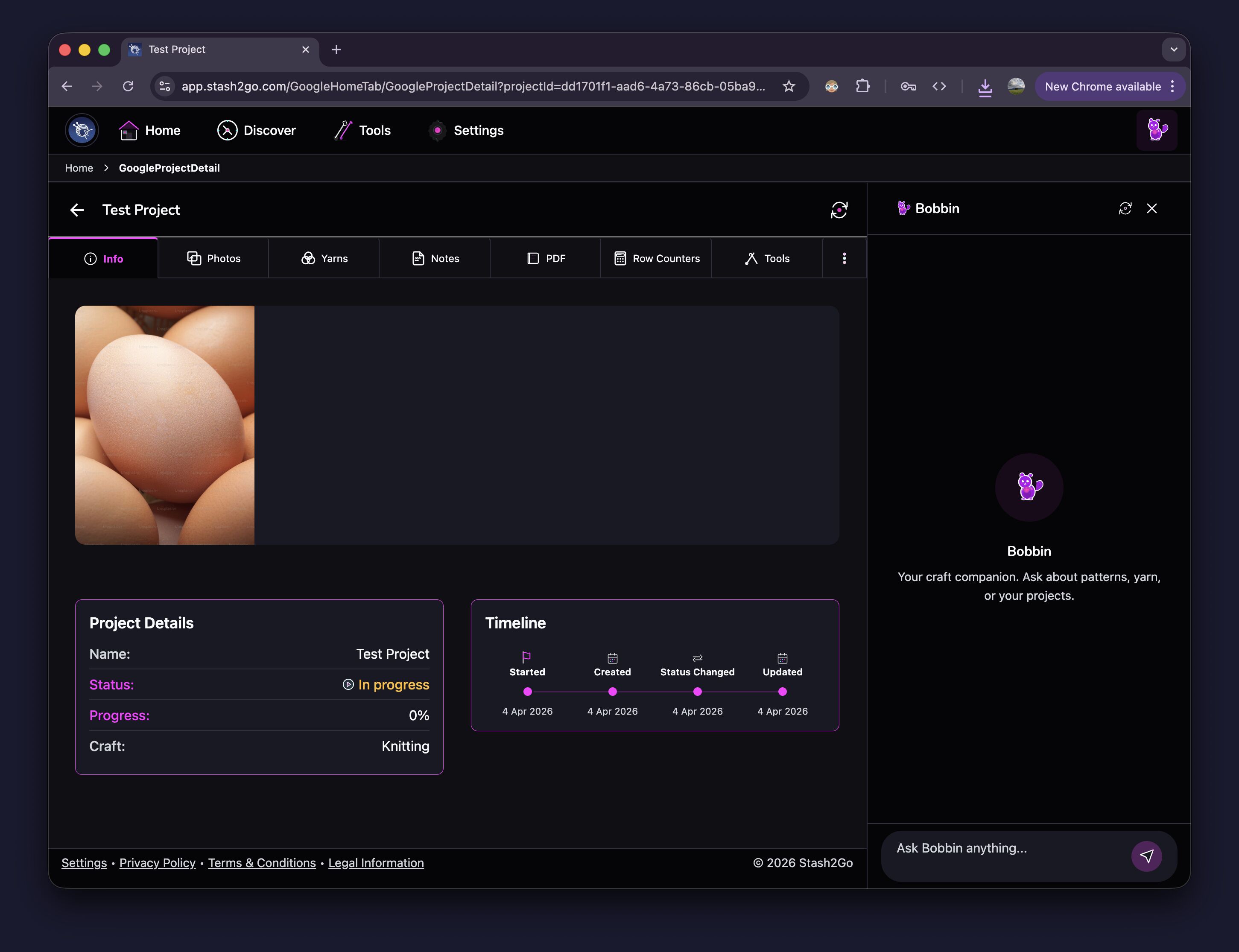
Each project has tabs for Info, Photos, Yarns, Notes, PDF, Row Counters, and Tools. Track every detail of your work in one place.
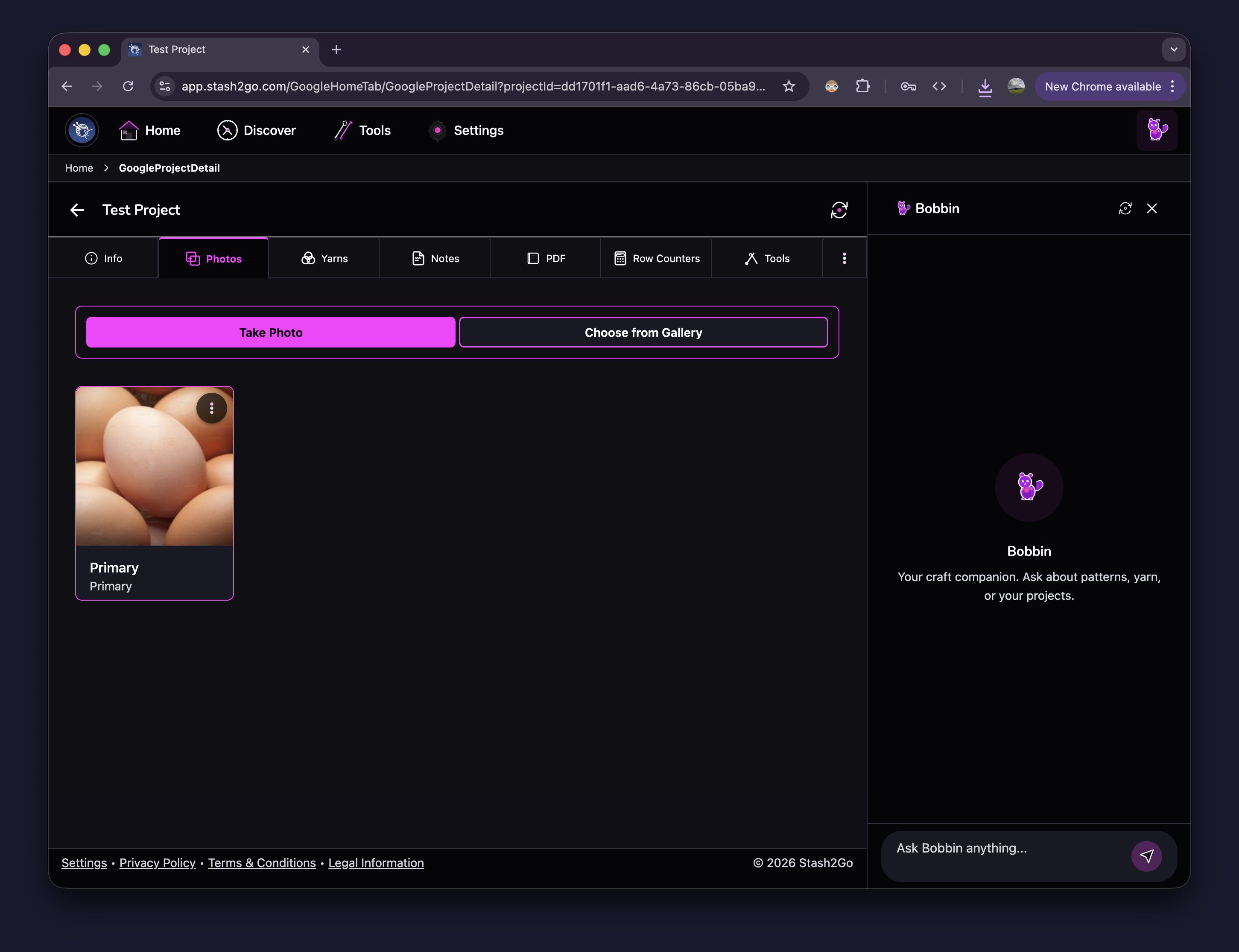
Capture progress photos directly from your camera or choose from your gallery. Photos are stored securely in your Stash2Go account.
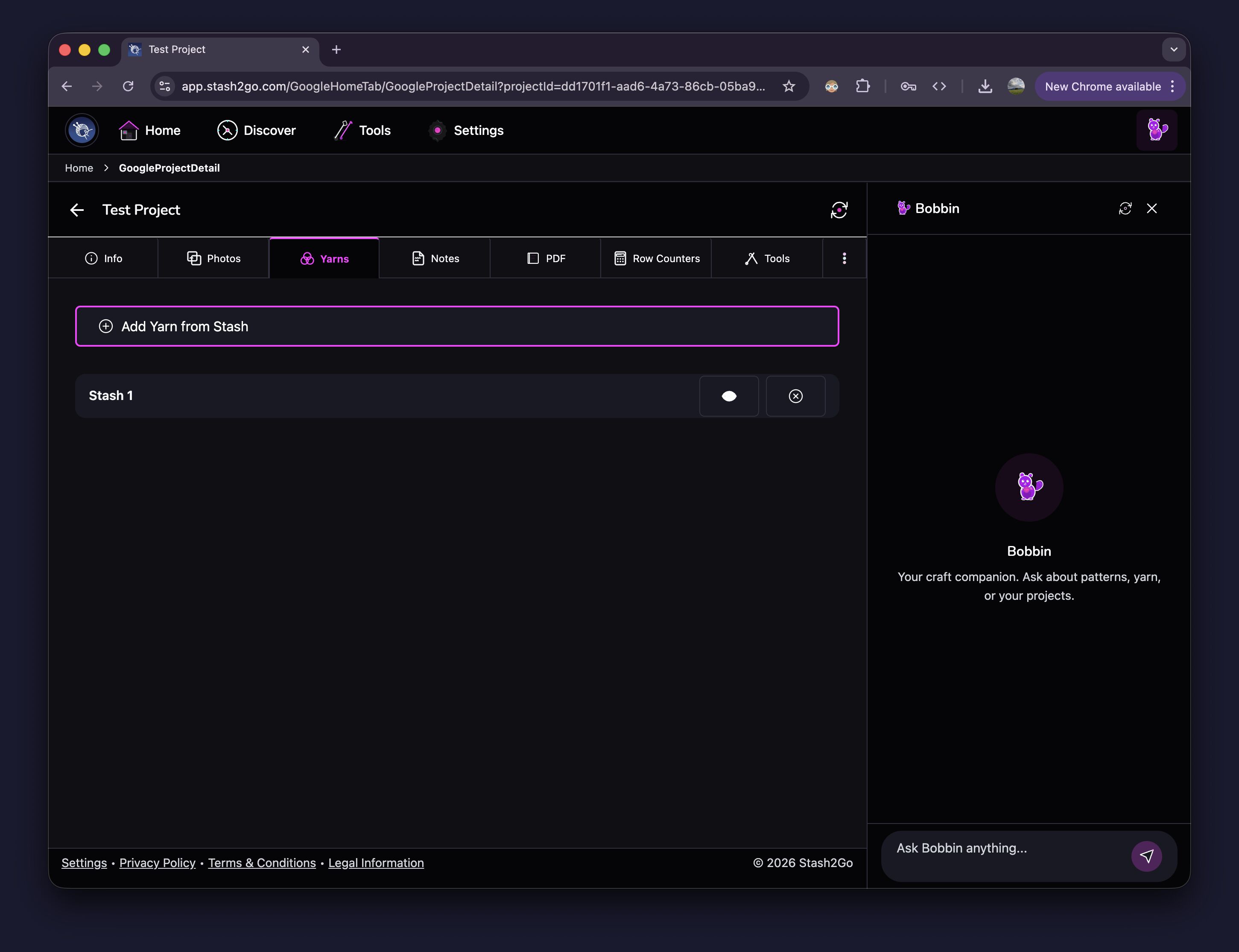
Connect yarn from your stash to any project. Track which yarns you're using and how much you need.
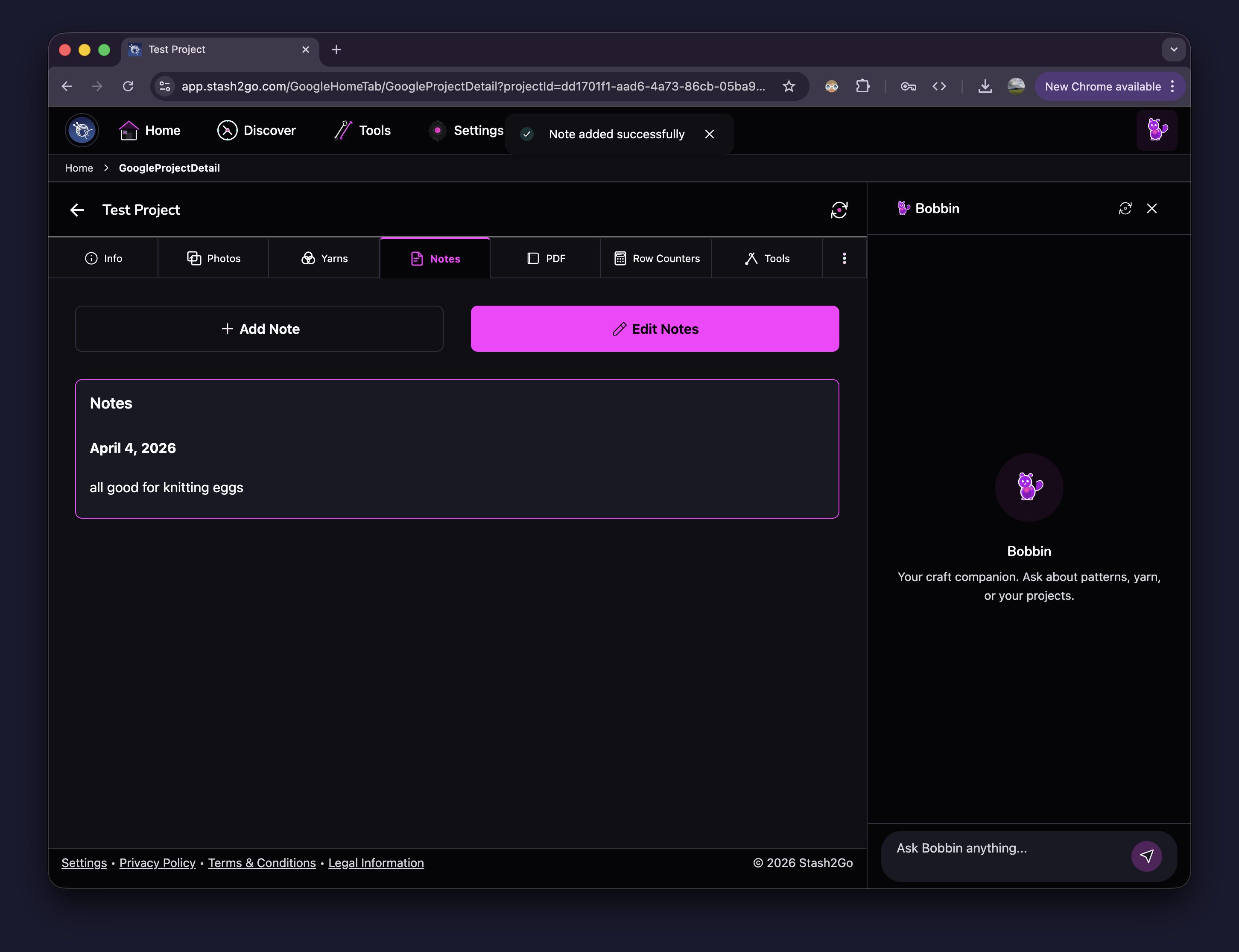
Add dated notes to track modifications, measurements, or anything you want to remember. Edit notes anytime.
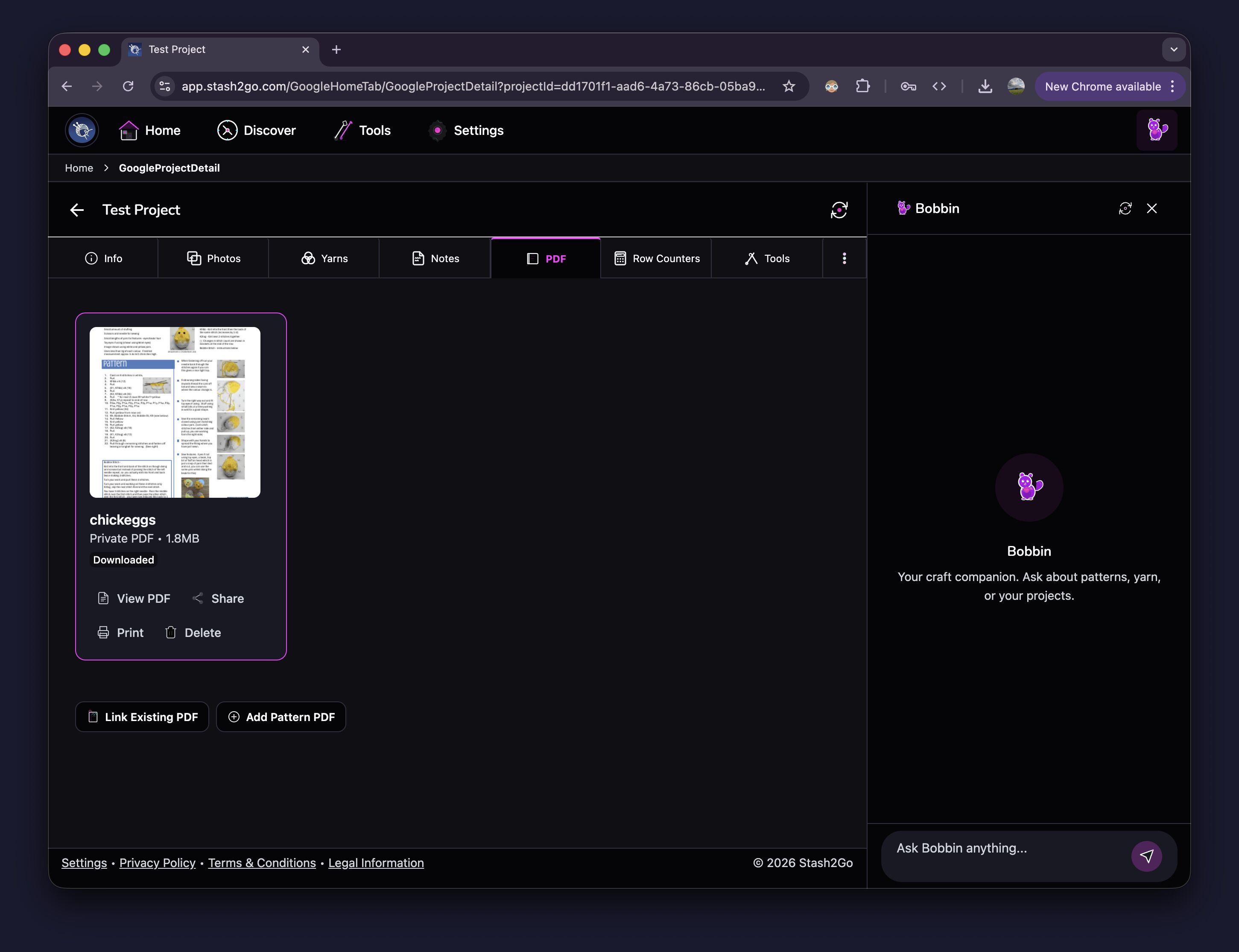
Link or upload pattern PDFs directly to your project. View, share, or print them right from the app. Use the Smart Reader for an enhanced reading experience with markers and counters.
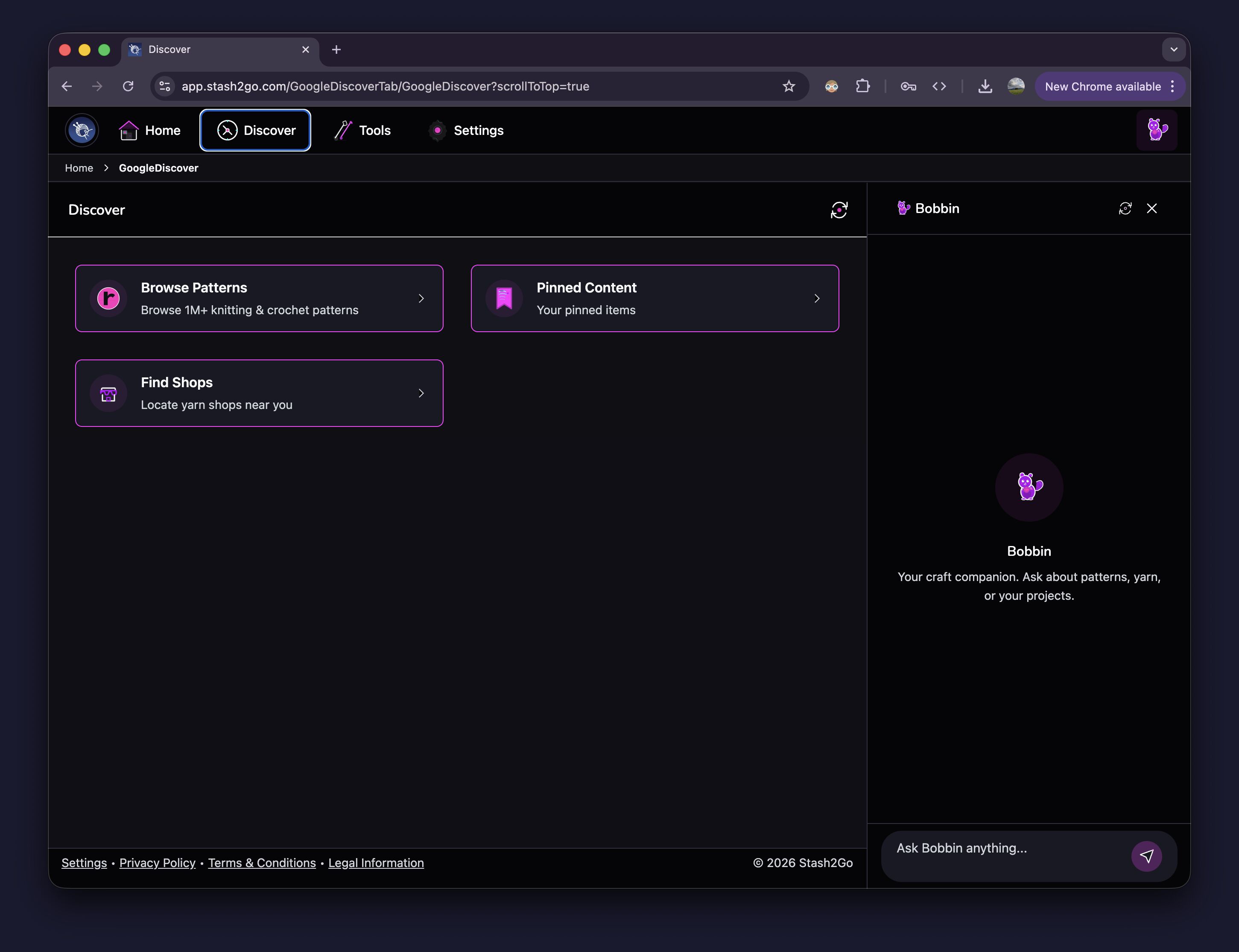
Browse over 1 million knitting and crochet patterns, save your favorites with Pinned Content, and find yarn shops near you.
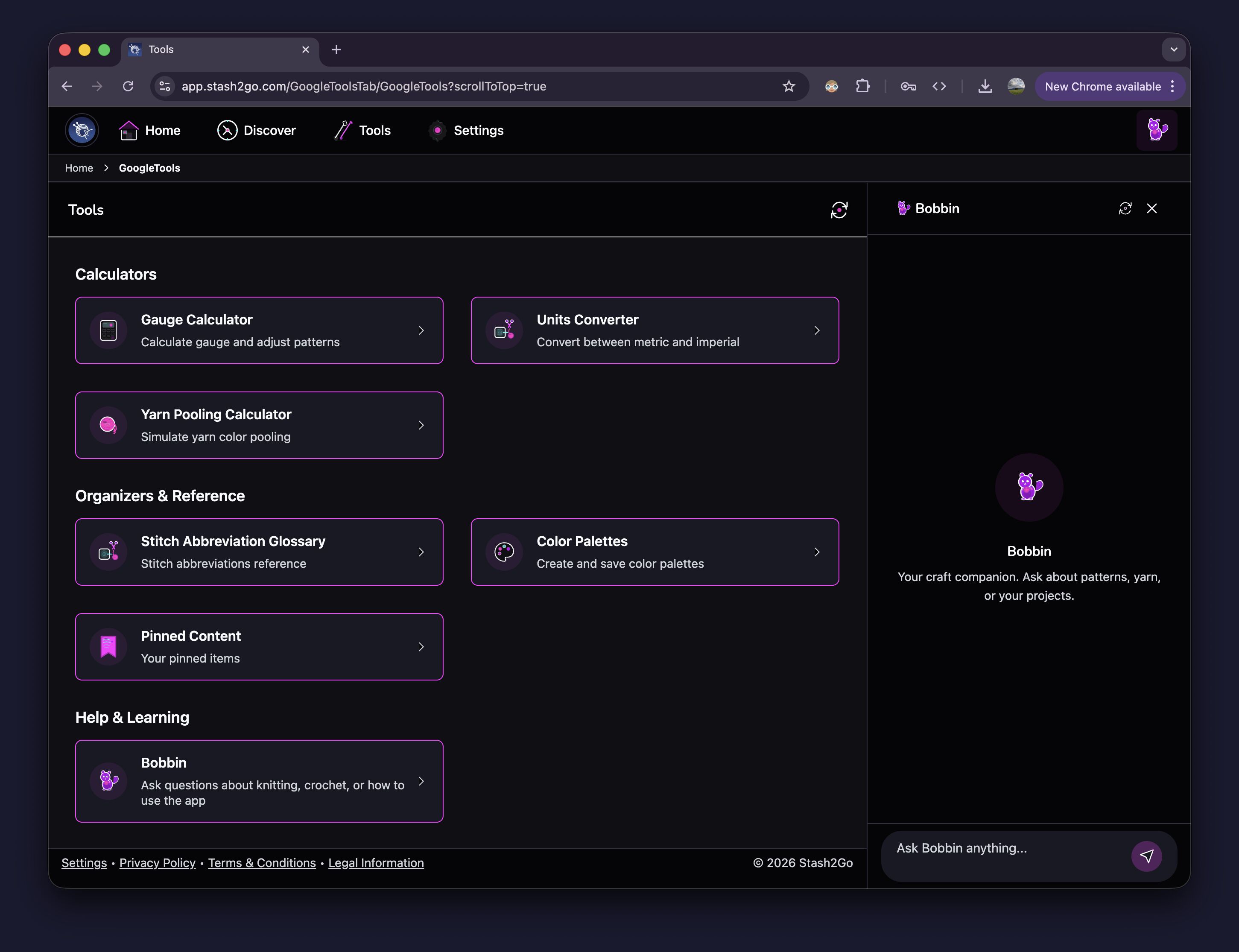
Access Gauge Calculator, Units Converter, Yarn Pooling Calculator, Stitch Abbreviation Glossary, Color Palettes, and Bobbin — your craft companion for questions about techniques and patterns.
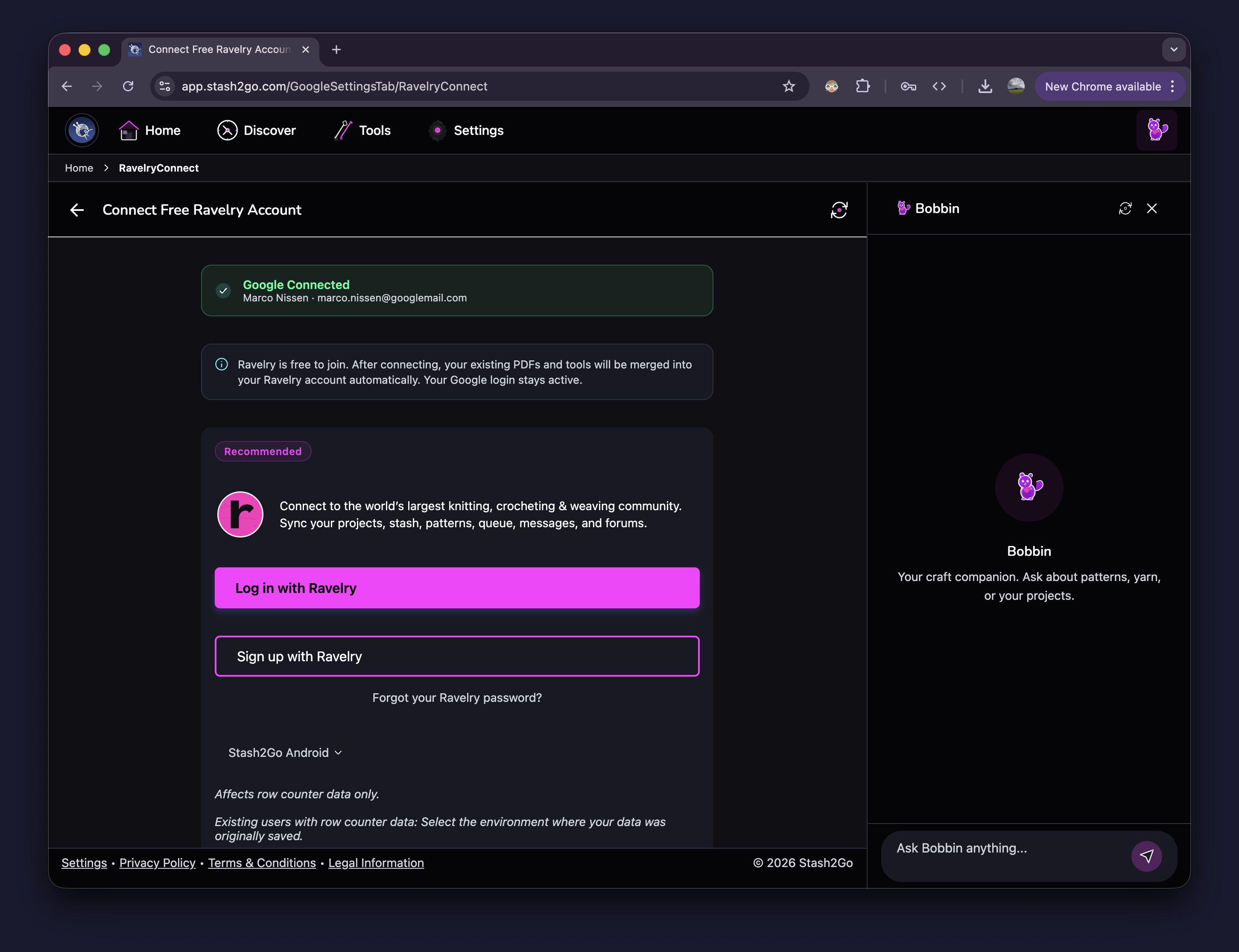
When you're ready to join the world's largest knitting and crochet community, go to Settings → Connect Free Ravelry Account. Your existing projects, stash, PDFs, and tools will be migrated automatically. Your Google login stays active.
Available on iPhone, iPad, Android, and web at app.stash2go.com