5I want to organize my yarn
Browse your stash, view details, photos, and colorways
A quick walkthrough of stash management - see how to browse, filter, and organize your yarn collection.
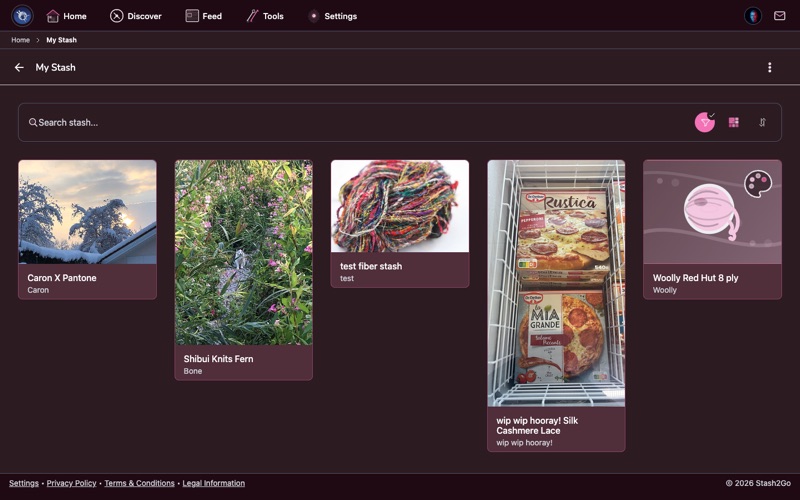
Tap the My Stash tile on your home screen to see your complete yarn inventory. Each entry shows the yarn name, colorway, weight, and a photo - making it easy to browse your collection at a glance.
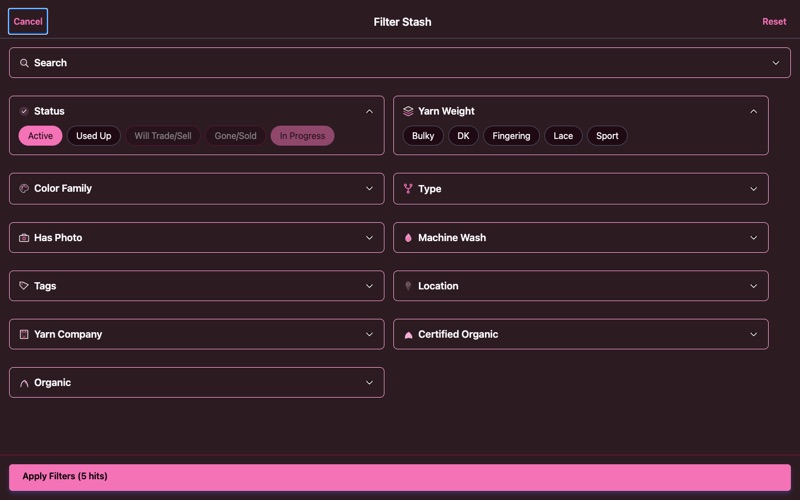
Tap the filter icon to narrow down your stash. Filter by yarn weight, color family, fiber content, status, and more. Use the sort option to arrange yarn alphabetically, by weight, remaining yardage, or most recently added.
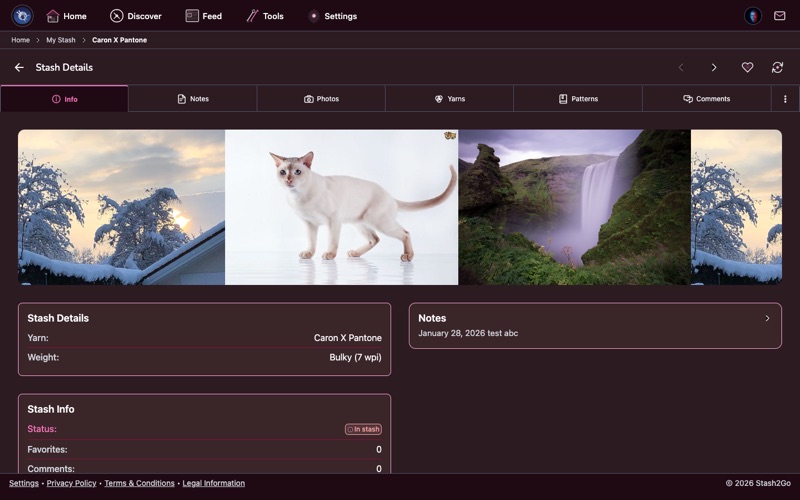
Tap any yarn to see its full details: fiber content, weight category, yardage remaining, colorway, and purchase information. The Info tab gives you everything you need to plan your next project.
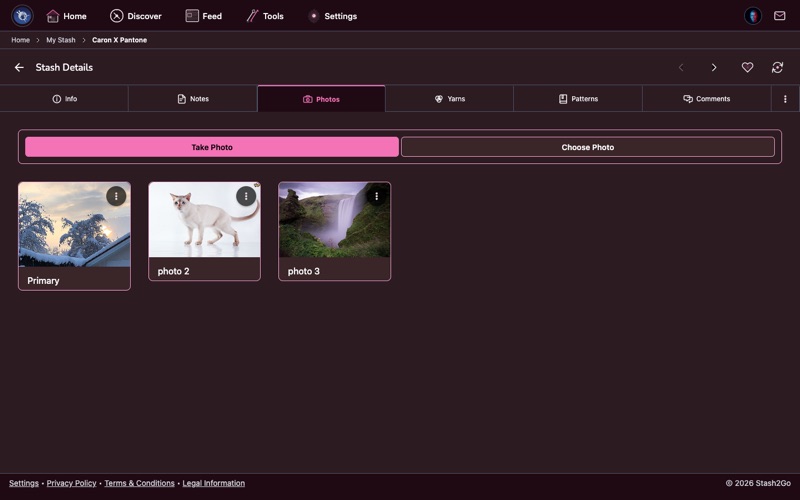
The Photos tab shows all the photos you've taken of your yarn. This is perfect for remembering the exact color when you're at a yarn shop or matching yarn for a project.
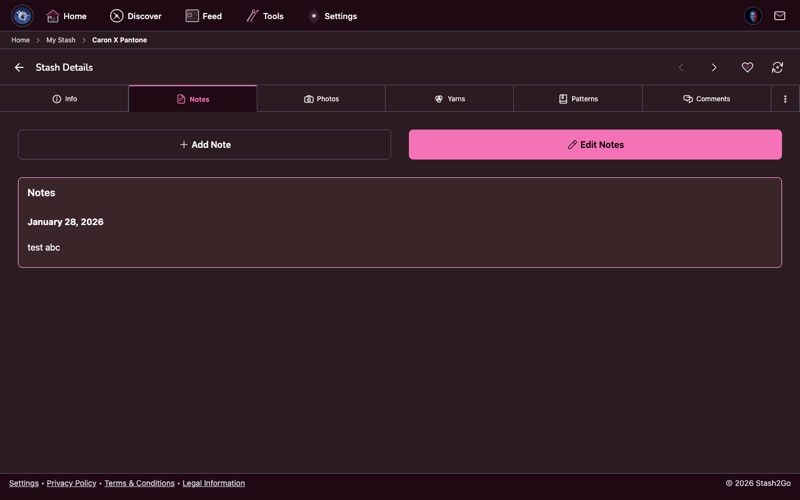
Use the Notes tab to record personal notes about your yarn - where you bought it, what you're planning to make, or how it feels to work with. Notes sync with Ravelry so they're always available.
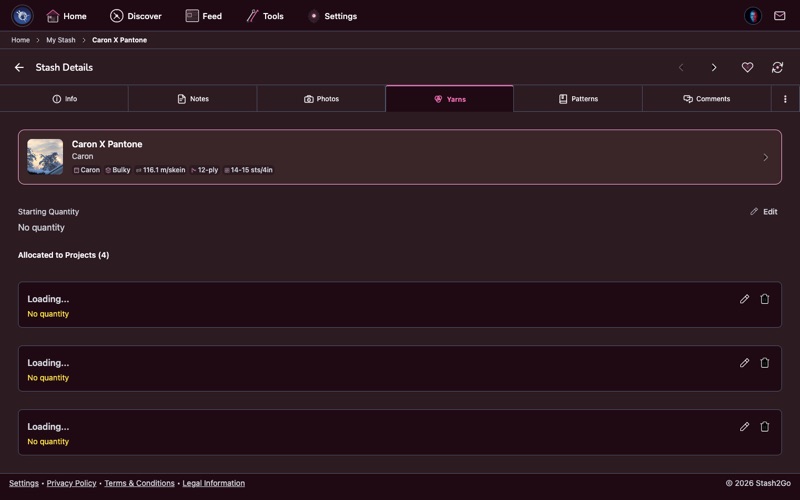
The Yarns tab shows detailed information about the yarn base, including available colorways and fiber composition. This helps you find the perfect match when planning color combinations for your projects.
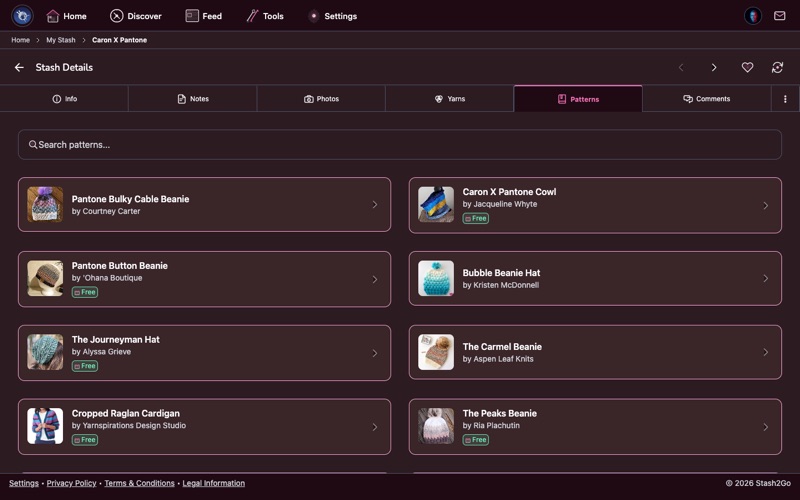
The Patterns tab shows patterns that work with this yarn based on weight and gauge. Browse project ideas without leaving your stash - when you find something you like, start a new project right from here.
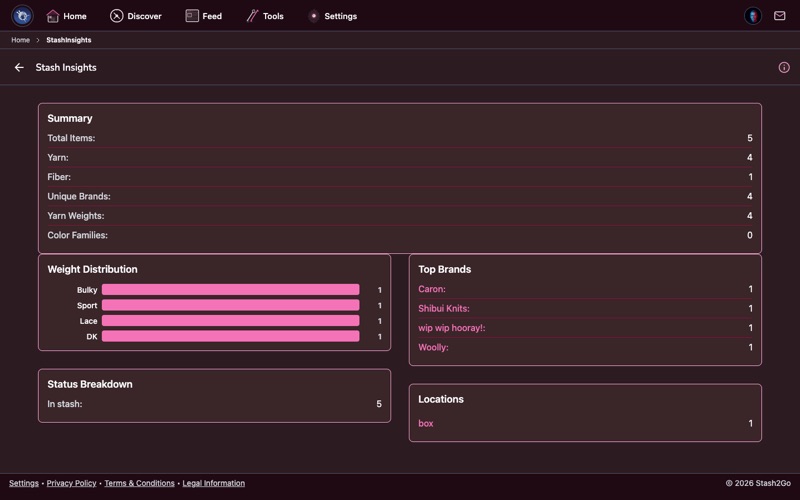
Open Stash Insights from the Tools tab for a bird's-eye view of your yarn collection. See your total yardage, weight distribution, color breakdown, top brands, and storage locations - all at a glance.
Open the menu on the stash list and choose Select Multiple to enter bulk selection mode. Tap the yarns you want to act on, or use Add All to select every visible yarn. A floating basket button shows your selection count.
Tap the basket button to open the bulk actions panel. You can update tags, change status, or remove items from your stash in one operation. An undo banner appears after bulk changes so you can reverse them if needed.
Available on iPhone, iPad, Android, and web at app.stash2go.com