22I want to manage my needles and hooks
Track your needle inventory and find what you need for a pattern
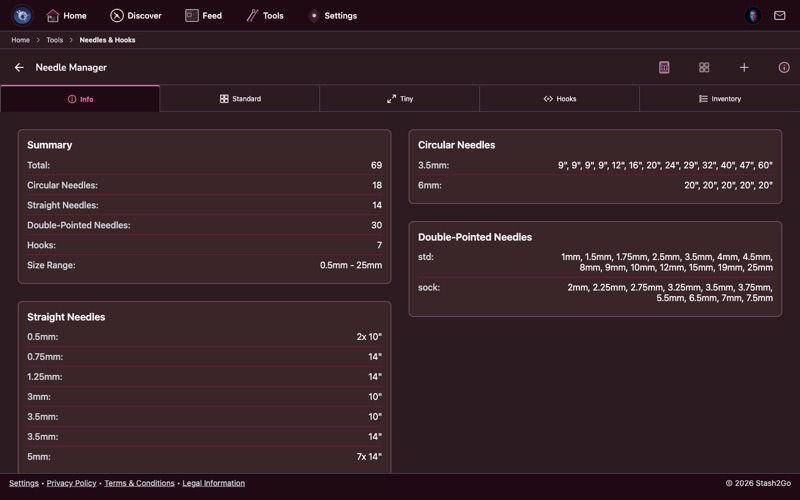
Navigate to Tools → Needle Manager. Your complete needle and hook collection is organized by type and size.
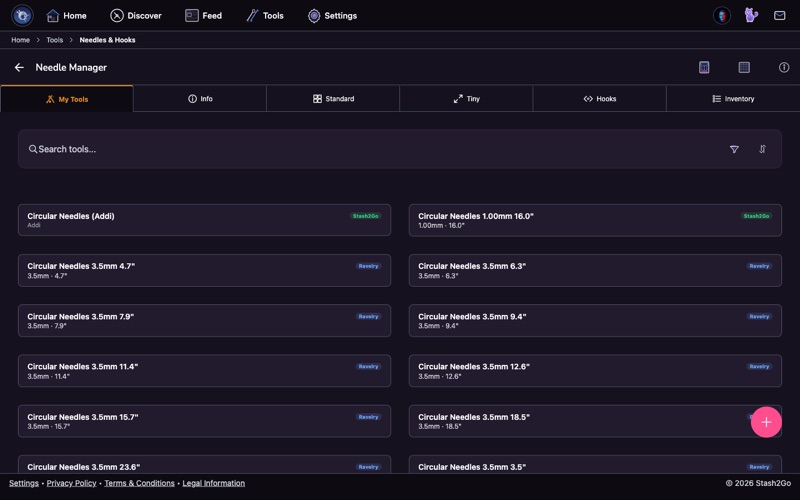
See all your needles and hooks at a glance, organized by type: Straight Needles, Circular Needles, Double-Pointed Needles (DPNs), and Crochet Hooks. Each entry shows the size, and your collection syncs with your Ravelry account.
If you already have needles and hooks set up on Ravelry, you can bring them into Stash2Go with one tap. Your existing Ravelry needle inventory is imported and kept in sync.
Tap Add Needle or Add Hook to add needles and hooks that aren't on Ravelry. Choose the type, size, and material. Your custom additions are stored in Stash2Go alongside your Ravelry needles.
Quickly convert between metric (mm), US, and UK needle sizes. The interactive chart shows all standard sizes side by side - no more guessing whether US 7 is 4.5mm or 4.75mm.
Each needle entry shows which project it's currently assigned to. A quick way to check if you need to buy new needles or wait for a project to finish.
Available on iPhone, iPad, Android, and web at app.stash2go.com