25I want to search with AI
Describe what you want in plain language and let AI find matching patterns
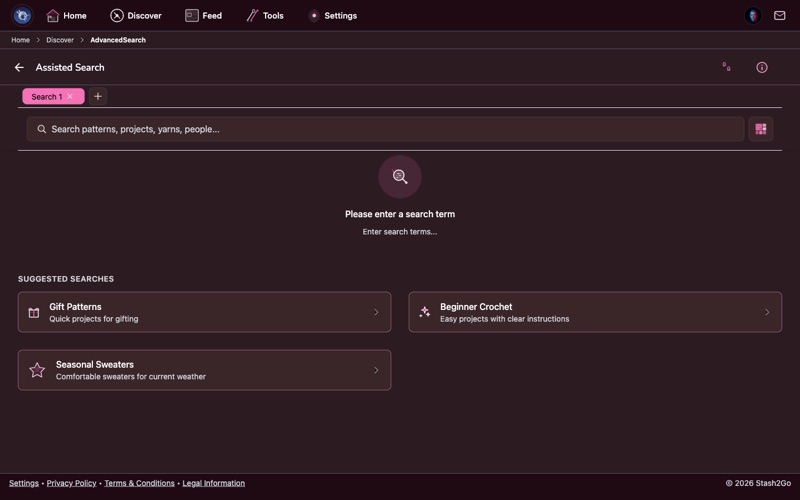
Navigate to Discover → AI Search. Instead of filling out filter forms, simply describe what you're looking for in your own words.
Type a natural language description like "a cozy oversized cardigan in bulky wool for a beginner" or "a lace shawl with beading for a wedding gift". The AI understands craft terminology and intent.
The AI translates your description into precise search parameters and returns matching patterns. Results are ranked by relevance to your description.
Point your camera at a yarn label and let AI identify it. Stash2Go recognizes yarn brands, weights, and fiber content from photos — great for quickly cataloging new yarn purchases.
Let AI help estimate how much yarn you need for a project. Select your pattern and yarn, and the estimator factors in pattern size, gauge, and yarn weight.
Available on iPhone, iPad, Android, and web at app.stash2go.com