14I want to save patterns I love
Favorite patterns and projects, browse and filter your favorites
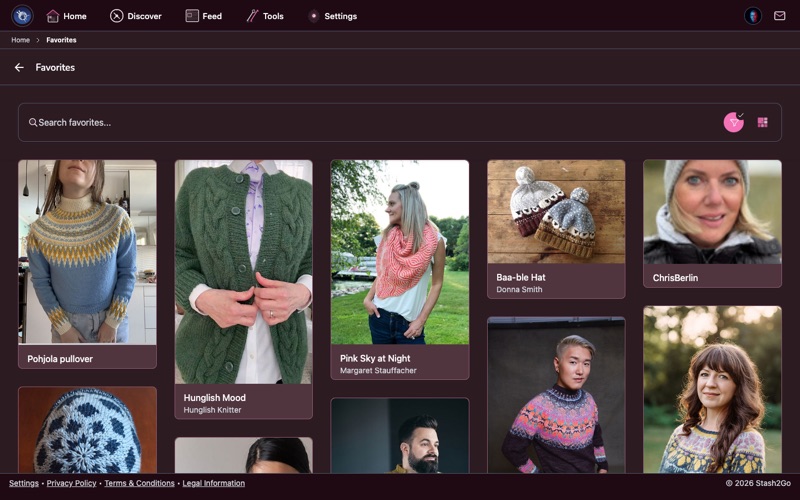
Navigate to Favorites from the Home screen. Your favorites show everything you've bookmarked on Ravelry - patterns, yarns, projects, designers, yarn shops, yarn brands, bundles, and forum posts. Switch between view layouts (masonry, list, square) using the toolbar.
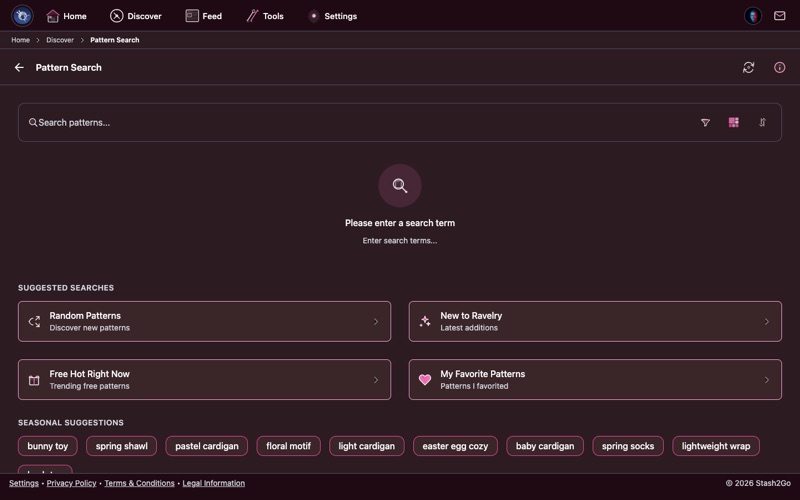
From any pattern, yarn, or designer page, tap the heart icon or choose Favorite from the actions menu. The item is instantly saved to your favorites.
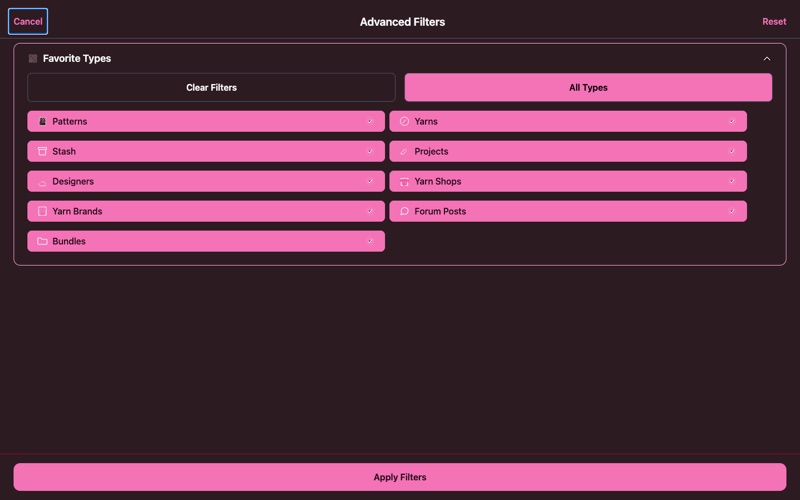
Use filters to view favorites by type - patterns, yarns, projects, designers, shops, brands, bundles, or forum posts. Narrow further by craft, category, or search by name. Perfect for finding that pattern you bookmarked months ago.
Your favorites (heart icon) are bookmarks for anything you find interesting. Your library (book icon) is specifically for patterns you own or have access to. A pattern can be in both - favorited because you love it, and in your library because you bought it.
Available on iPhone, iPad, Android, and web at app.stash2go.com