39I want to know when I have new messages
Get notified about new Ravelry messages, even when the app is closed
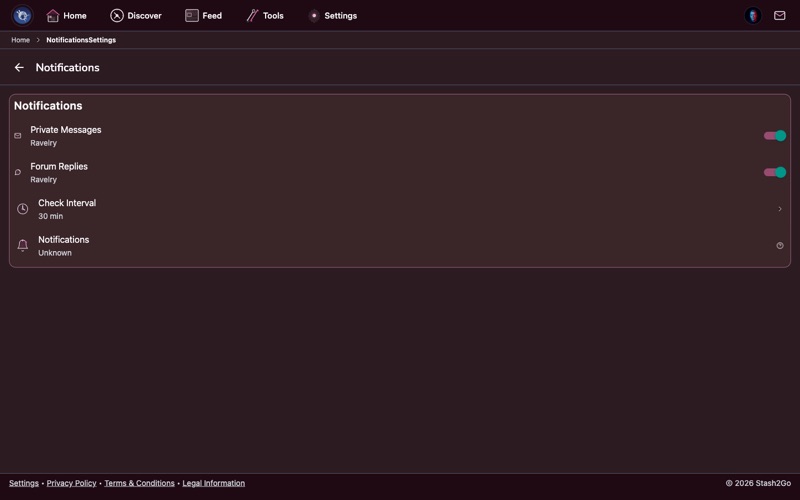
Go to Settings → Notifications and enable message notifications. Stash2Go will periodically check for new Ravelry messages in the background and alert you when something arrives.
Select which types of activity you want to be notified about. You can receive alerts for new private messages, forum replies to topics you follow, and other Ravelry activity.
On Android, battery optimization can prevent background checks from running. If notifications aren't arriving, go to your device's battery settings and disable optimization for Stash2Go. The notification settings screen has a direct link to help you find this.
Tap a notification to jump straight to the conversation. You can read and reply to messages directly within Stash2Go without opening a browser.
Available on iPhone, iPad, and Android