2I want to find something inspiring
Browse trending patterns, highlights, and match your stash
A quick walkthrough of the Discover tab - see how to browse trending patterns, highlights, and new releases.
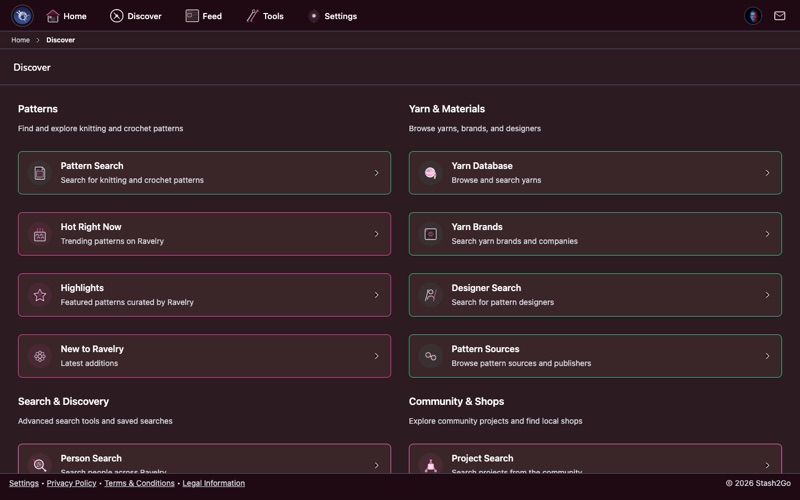
Tap Discover in the navigation bar. Everything you need to find patterns, yarns, and designers lives here, organized into clear sections:
Pattern Search - Advanced search with filters for craft, weight, gauge, and more.
Hot Right Now - Patterns trending on Ravelry right now.
Highlights - Curated collections handpicked by Ravelry's editors.
New to Ravelry - The latest patterns just published by designers.
On the right you'll find Yarn Database, Yarn Brands, Designer Search, and Pattern Sources for exploring materials and creators.
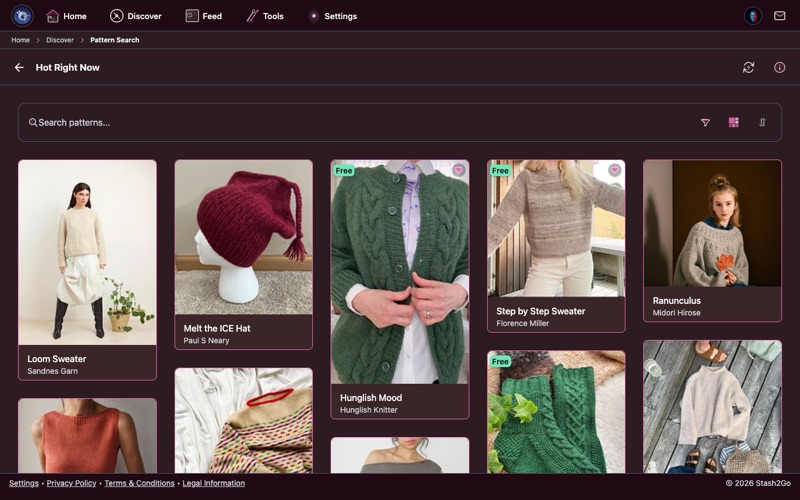
Hot Right Now shows patterns getting the most attention from the Ravelry community at this moment - designs that crafters are actively queuing, favoriting, and casting on. Use the search bar to filter within trending results, or tap the view toggle to switch between grid and list layouts.
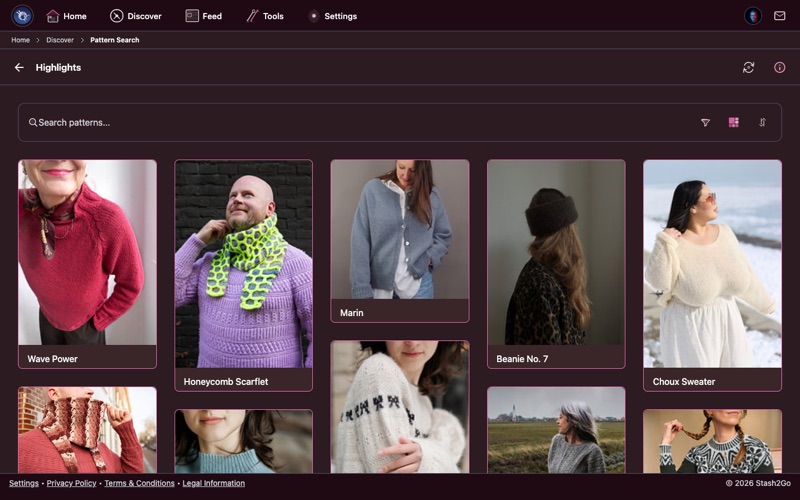
Highlights are curated collections handpicked by Ravelry's editors. These thematic bundles group patterns by occasion, season, technique, or style - a great way to browse when you know the vibe you want but not the specific pattern.
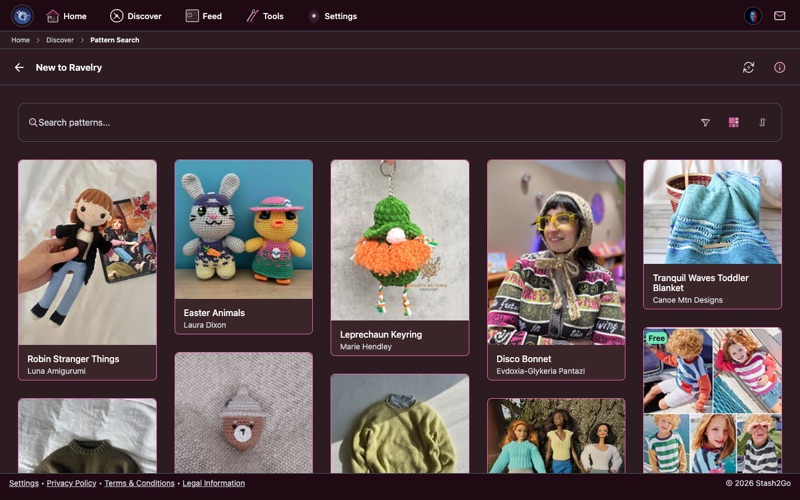
New to Ravelry shows the latest patterns published by designers. This is where you find fresh releases before they go viral - be the first among your crafting friends to discover new designs.
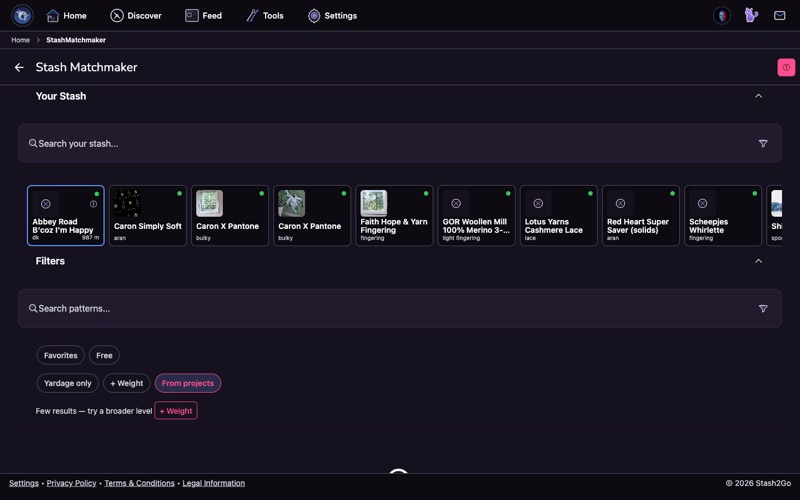
On the Discover tab, open the Stash Matchmaker to find patterns that fit the yarn already in your stash. The dedicated Stash Matchmaker guide walks through it in full.
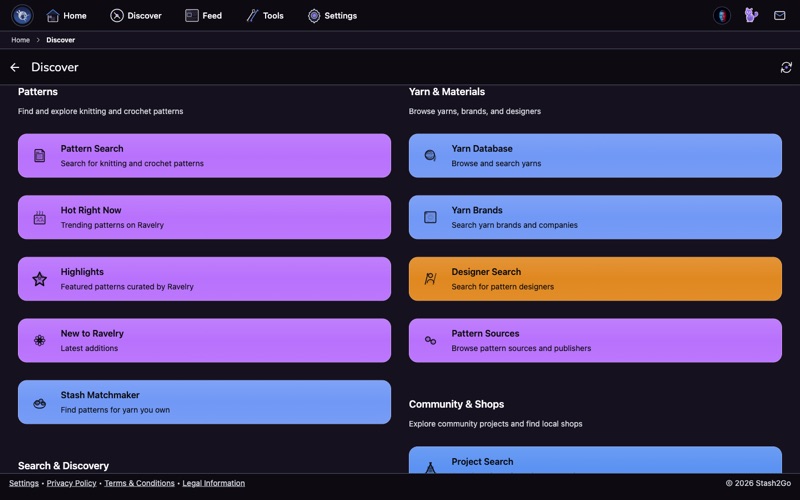
Scroll to Yarn & Materials to reach the Yarn Database, Yarn Brands, and Designer Search — everything you need to research yarns and the designers who work with them.
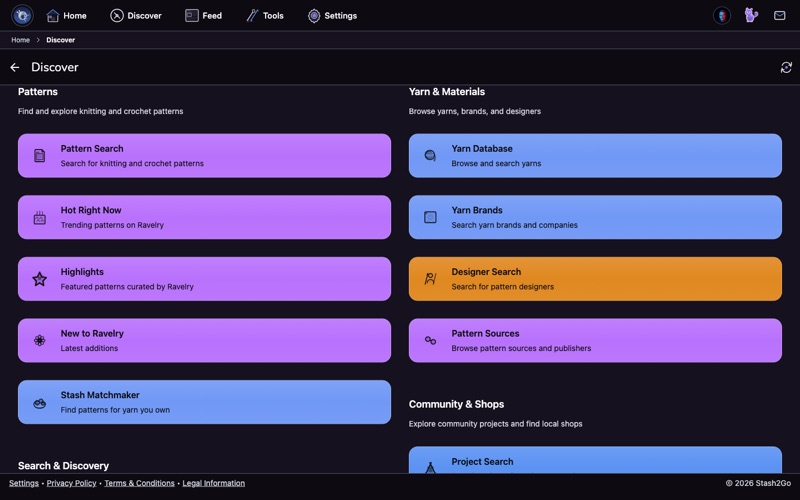
Further down, Community & Shops lets you browse projects other crafters have made and find local yarn stores near you.
Available on iPhone, iPad, Android, and web at app.stash2go.com